Essential Steps for Your Self-Publishing Checklist Before Hitting Print
- fineline publishers
- Jun 21
- 3 min read

Self-publishing offers writers full control over their work, but it also demands careful preparation before sending files to a printer. Skipping crucial steps can lead to costly mistakes, delays, or a final product that does not meet expectations. This checklist guides you through the essential tasks to complete before printing your book, ensuring a smooth process and a polished result.

Finalize Your Manuscript
Before anything else, make sure your manuscript is complete and thoroughly edited. This includes:
Proofreading for typos and grammar errors. Use professional editors or trusted beta readers to catch mistakes you might miss.
Checking consistency in spelling, punctuation, and formatting throughout the text.
Confirming the manuscript length matches your planned page count and print specifications.
A polished manuscript reduces the risk of errors appearing in the printed book and improves reader experience.
Prepare Your Book Layout and Design
The interior layout and cover design must meet printer requirements and look professional. Key points include:
Set correct page size and margins. Printers require specific dimensions, including bleed areas if images extend to the edge.
Choose readable fonts and sizes. Avoid overly decorative fonts that can hinder readability.
Include page numbers, headers, and footers as needed.
Format images and graphics with high resolution (usually 300 dpi) and proper color profiles.
Design a cover that fits your book size and includes front, back, and spine elements.
Using professional design software or hiring a book designer can help avoid layout issues.
Convert Files to Print-Ready Formats
Printers usually require files in PDF format with embedded fonts and images. Follow these steps:
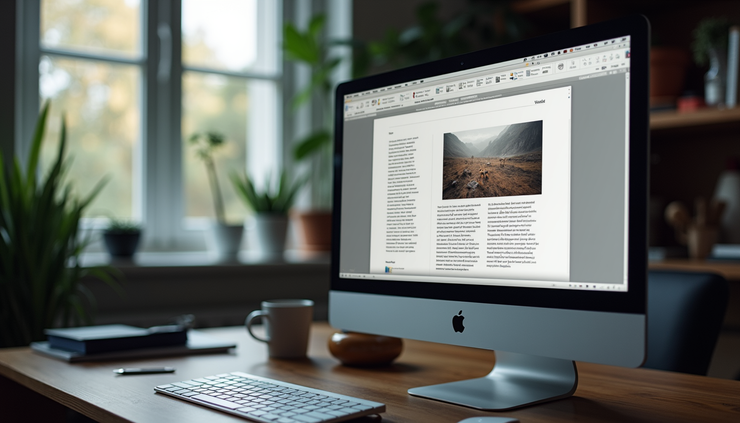
Export your manuscript and cover as print-ready PDFs. Check that all fonts are embedded and images maintain quality.
Use the correct color mode. CMYK is standard for print, while RGB is for screens.
Review the PDF on different devices to ensure formatting holds up.
Run a preflight check with software tools to catch missing fonts, low-resolution images, or other issues.
Submitting files in the right format prevents delays and extra costs.
Order a Proof Copy
Never skip ordering a physical proof before the full print run. A proof copy lets you:
Inspect print quality including paper, ink, and binding.
Check for formatting errors such as text cutoff, incorrect margins, or image placement.
Verify color accuracy on the cover and interior images.
Experience the book as readers will to catch any overlooked issues.
Review the proof carefully and make necessary corrections before approving the final print.
Confirm Print Specifications and Printer Requirements
Communicate clearly with your printer about all specifications:
Paper type and weight. Choose options that suit your book’s genre and budget.
Binding style. Options include perfect binding, saddle stitch, or hardcover.
Print run quantity. Decide how many copies to print based on demand and storage.
Delivery timelines and costs. Confirm schedules and shipping fees upfront.
Providing accurate details helps avoid misunderstandings and ensures your book meets expectations.
Double-Check Legal and ISBN Details
Make sure your book is properly registered and legally ready for sale:
Obtain an ISBN if you plan to sell your book through retailers.
Include copyright information and disclaimers as needed.
Verify permissions for any third-party content like images or quotes.
Prepare barcode files for the back cover if required.
These steps protect your rights and help with distribution.
Back Up All Files and Keep Records
Before sending files to the printer, back up everything:
Manuscript files
Design files
Print-ready PDFs
Proof approval documents
Communication with the printer
Keeping organized records makes it easier to reorder or fix issues later.


Comments